
Install and log in into the application
Once the download has finished, open the application and complete the installation process.
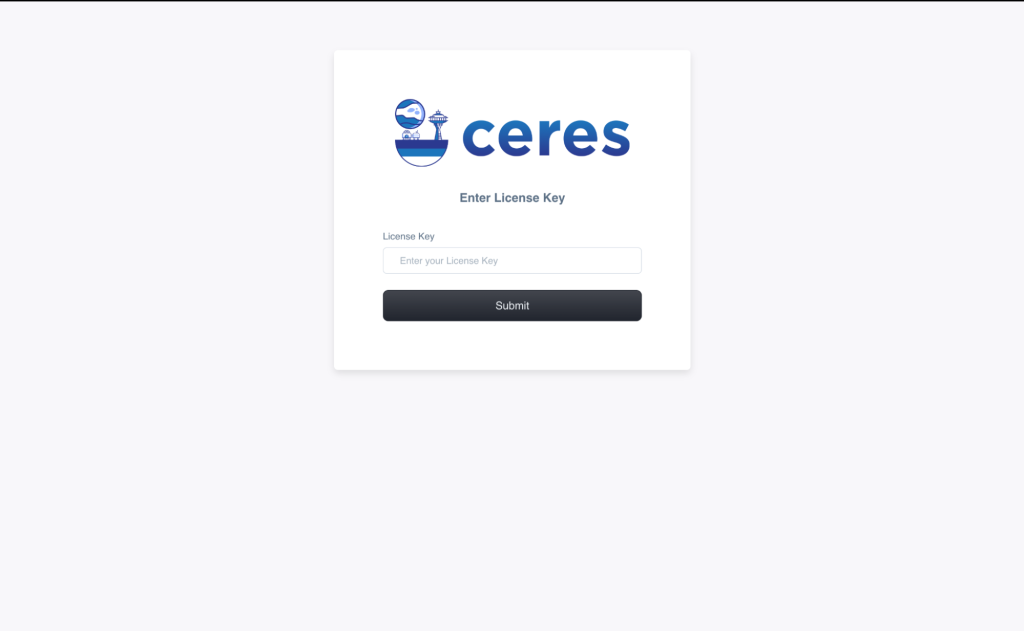
As you finish the installation, you will reach this screen (shown below). Enter your license key here which you have copied from licenses page in previous step and then, click on submit button
If you have entered correct license key, then you will be able to see LP Manager screen (shown below)
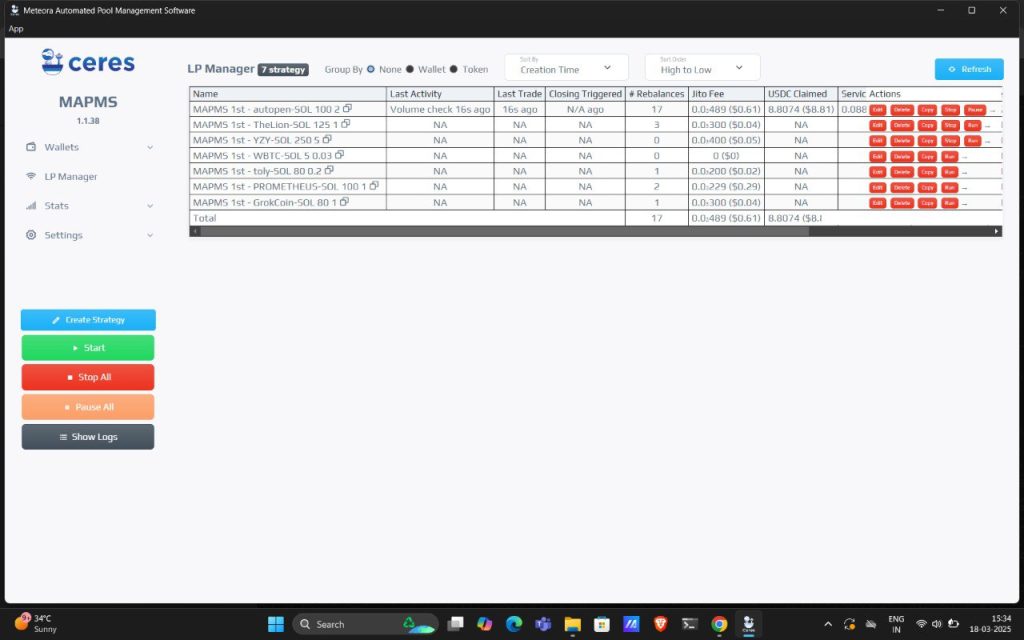
If your account is fresh, you won’t see any strategy in the LP Manager screen.